
Your First 5 Weeks with Prodify
Here’s what your first few weeks with Prodify will look like—so you know exactly what to expect.
Weeks 1-2: Kickoff & Setup
Your journey begins with a kickoff session during which we'll ask you all about your product catalog, existing workflows, and goals.
Then, we'll focus on:
Then, we'll focus on:
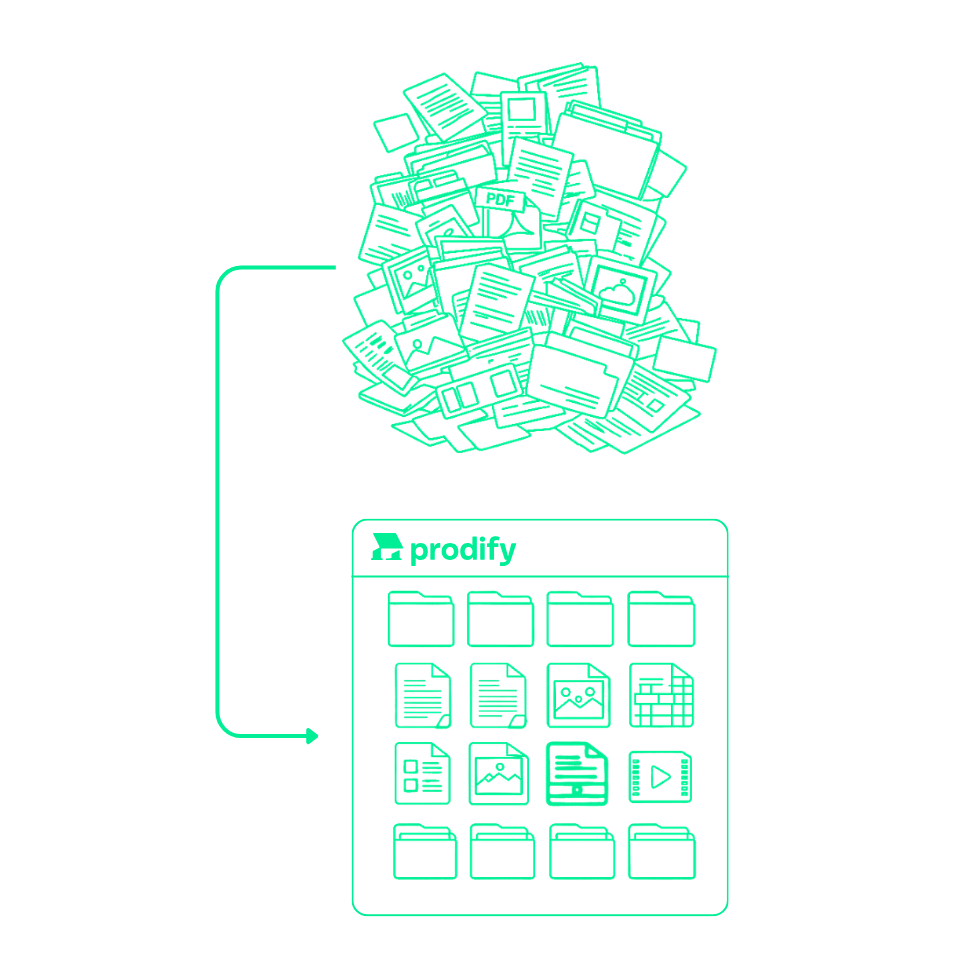
Importing your existing design files, assets, and product data
Associating assets with the correct products and SKUs
Ensuring your team can easily find product content
Configuring account settings
Setting up user roles and permissions
By the end of this phase, your content will be organized in a way that reflects how your products are actually used.
Week 3: Sharing & Tracking
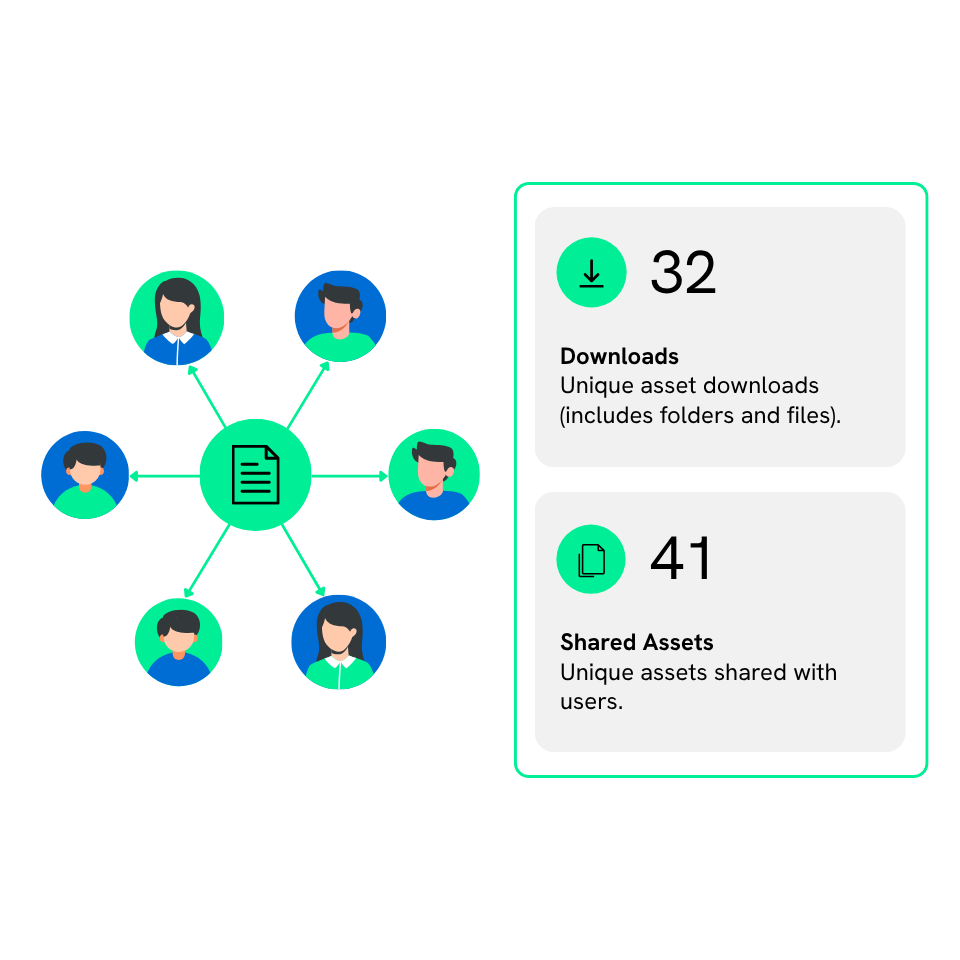
Next, we’ll prepare your content for internal and external sharing and show you how to track engagement using Prodify’s analytics.
By the end of of this stage, you'll feel confident:
By the end of of this stage, you'll feel confident:
Sharing folders, products, and collections with your team and external partners
Using public links and version control to keep your content consistent and up to date
Reviewing your analytics dashboards to see how your content is being engaged with
Week 4: Launch & Optimization
During Week 4, we’ll make sure your Prodify account is fully set up, running smoothly, and ready to integrate seamlessly into your daily workflows.
This includes:
This includes:
Reviewing best practices for content management
Optimizing how files are shared internally and externally
Uncovering data insights that can strengthen your marketing and sales outreach
Answering any remaining setup questions
Week 5 & Beyond: Team Training & Adoption

Once you’re fully up and running, we’ll help everyone on your team get comfortable using Prodify.
You can choose from two training formats:
You can choose from two training formats:
Group Training Session: Introduce your whole team to Prodify’s core features and workflows. We’ll walk through real-life use cases so everyone can start working smarter, not harder
Train-the-Trainer Session: Empower your internal champions with a deeper dive into Prodify’s capabilities. Build in-house expertise so you can confidently support and train others as your team grows.
Alongside your live onboarding sessions, you’ll also have access to a full suite of self-service resources, so help is always close by.
These include:
These include:
Interactive product tours to explore features at your own pace
A robust knowledge base filled with how-to guides and best practices
A dedicated support channel for quick, personalized assistance