

Evergreen Public Links
Magic links that update on their own? Yes, please.
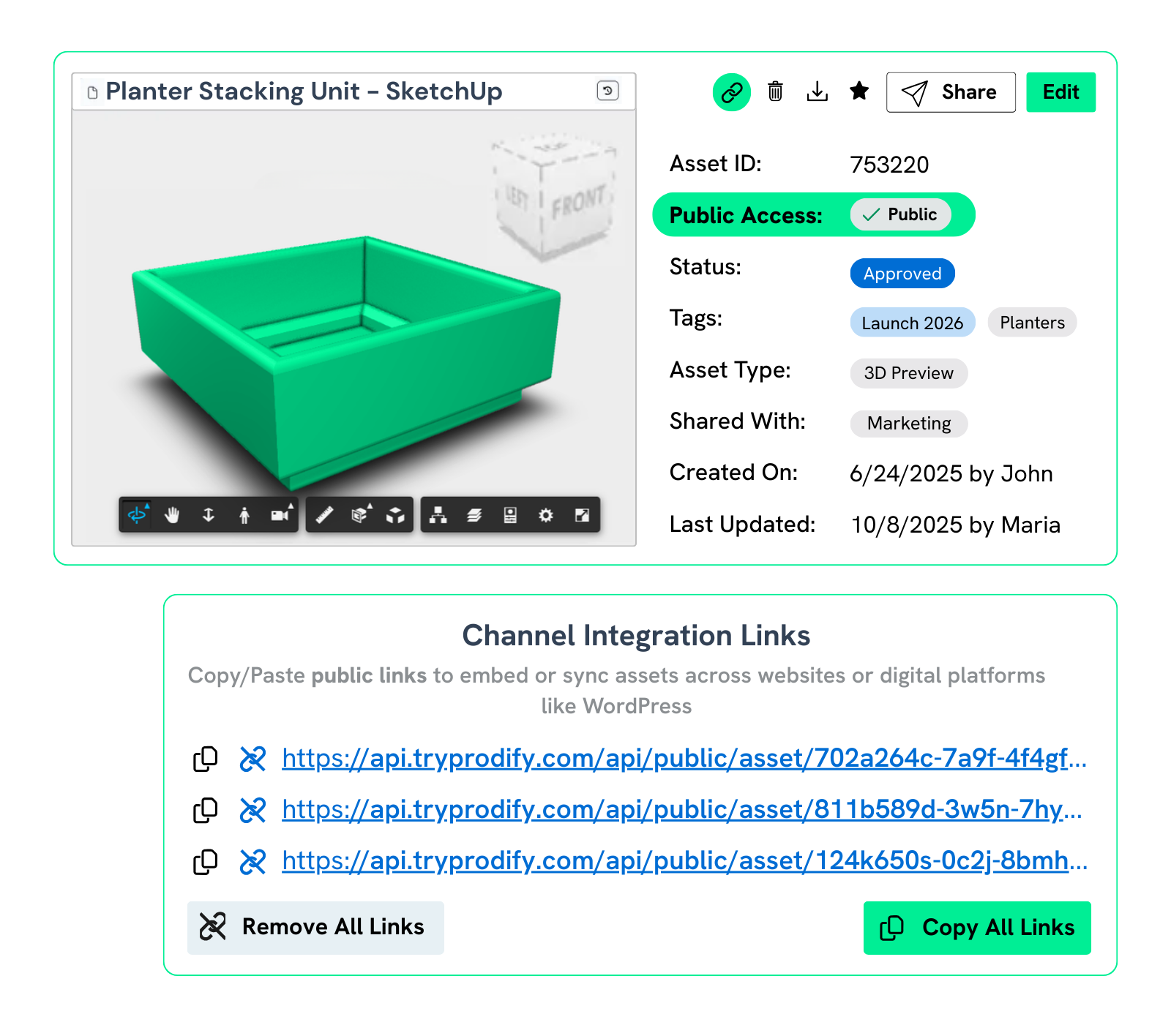
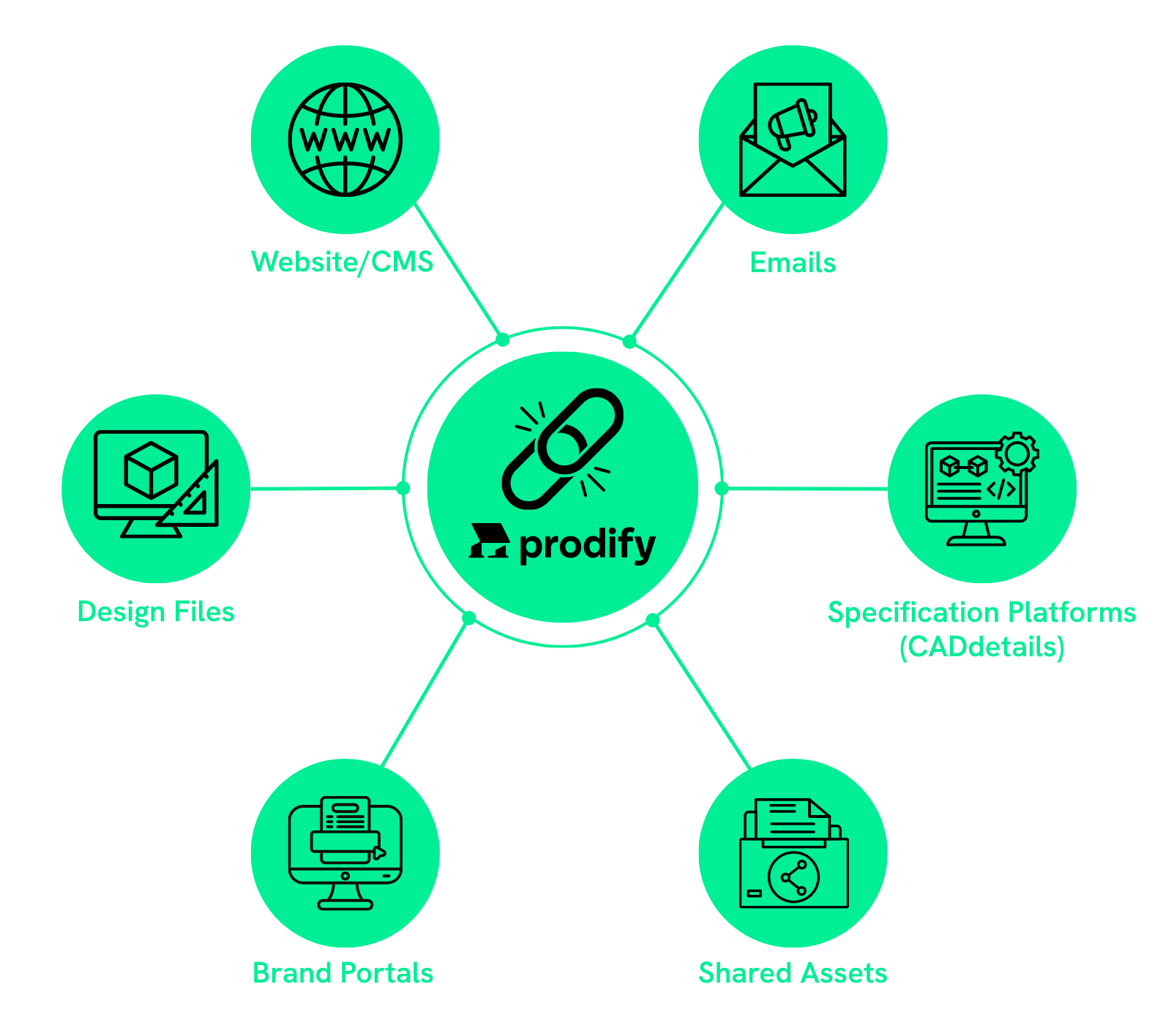
Embed public links across your owned channels and they’ll update automatically when changes are made in Prodify.

One Link, Endless Updates
Share once and you're done. Prodify links always serve up the most current files, saving time and eliminating version confusion.
Keep Your Content Fresh
Embed public links across all your marketing channels with confidence, knowing everything stays perfectly up to date when changes happen. Trust us—your future self will thank you.
Lightning-Fast Campaigns, Total Brand Control
Stay in the driver’s seat of your messaging, visuals, and compliance—all while moving at full speed. Launch fast, pivot faster, and swap creative in seconds to keep your campaigns sharp.

Public Links in Action

Let’s say you’re promoting an event with emails that include a banner hosted via a public link. The event ends—but those emails stick around in inboxes, still showing the same old banner.
Instead of leaving it outdated, just swap the image in Prodify. Your link will update automatically to highlight your next event, on-demand replay, or new campaign—no resends needed.

Your sales team includes a promo in their email signatures, hosted in Prodify with a public link. But what happens when the offer changes?
Just replace it in Prodify, and it will instantly update across every email—no chasing after reps, no outdated promos.

You know the drill when it comes to website updates: constantly swapping homepage heroes, promo tiles, and campaign graphics.
Instead of jumping into your CMS every time, host those assets in Prodify and embed them with a public link. When you’re ready to refresh, just replace the file in Prodify—and you're done.

Your catalogs and brochures are everywhere—shared with prospects, sales teams, and partners.
Instead of rebuilding from the ground up every time something changes, embed your assets using Prodify’s public links. The result? Updates automatically appear everywhere your catalogs and brochures live.
How It Works

Upload a file to Prodify and create a public link
Embed or share it anywhere
Update the file in Prodify anytime, and your link updates automatically—wherever it lives
FAQs
You can use public links across all your owned channels! Embed them on your website, CMS, emails, digital catalogs, and customer portals, or share them directly with partners and prospects for easy access to the latest files.
Great question! Check out this blog for a step-by-step guide.
The link automatically reflects the new version, so anyone using the link will see the updated content without needing a new URL.
You can use public links to share content across your own channels—like your website, emails, or partner communications. For third-party platforms, content is managed differently. These platforms have their own publishing and ingestion processes, so updates can’t be pushed via public links.
That said, we’re actively working on integrations that will make it easier to publish directly to third-party ecosystems in the future.
Subscribe to the Prodify Pulse Newsletter for the latest Prodify updates, plus fresh insights on product management and marketing in the building industry. You can also visit our blog for product updates, helpful resources, and more.