


Make It Easy to Specify Your Products
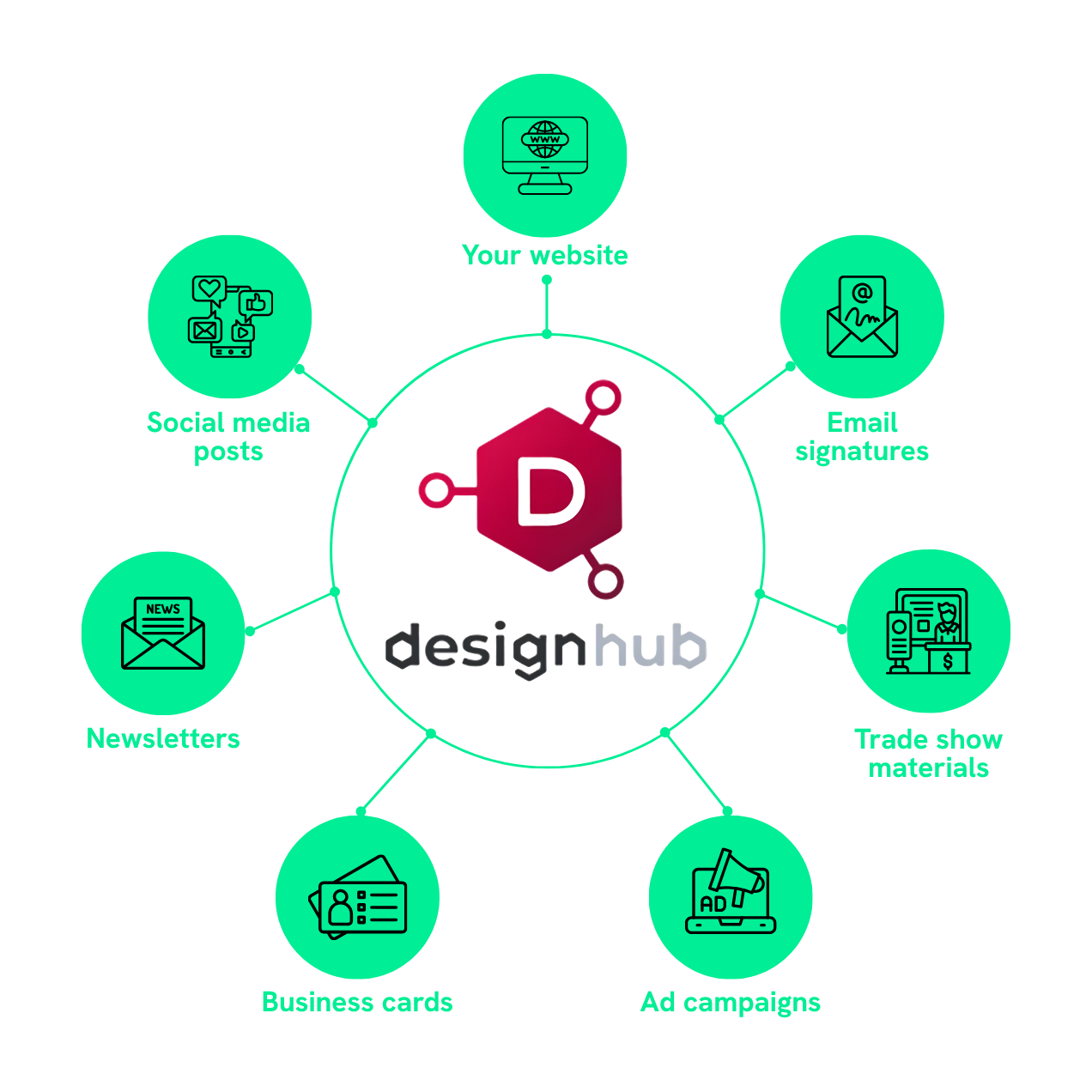
Promote Design Hub across all your own channels and give prospects a focused space to explore your products and download design assets.
See Who's Engaging
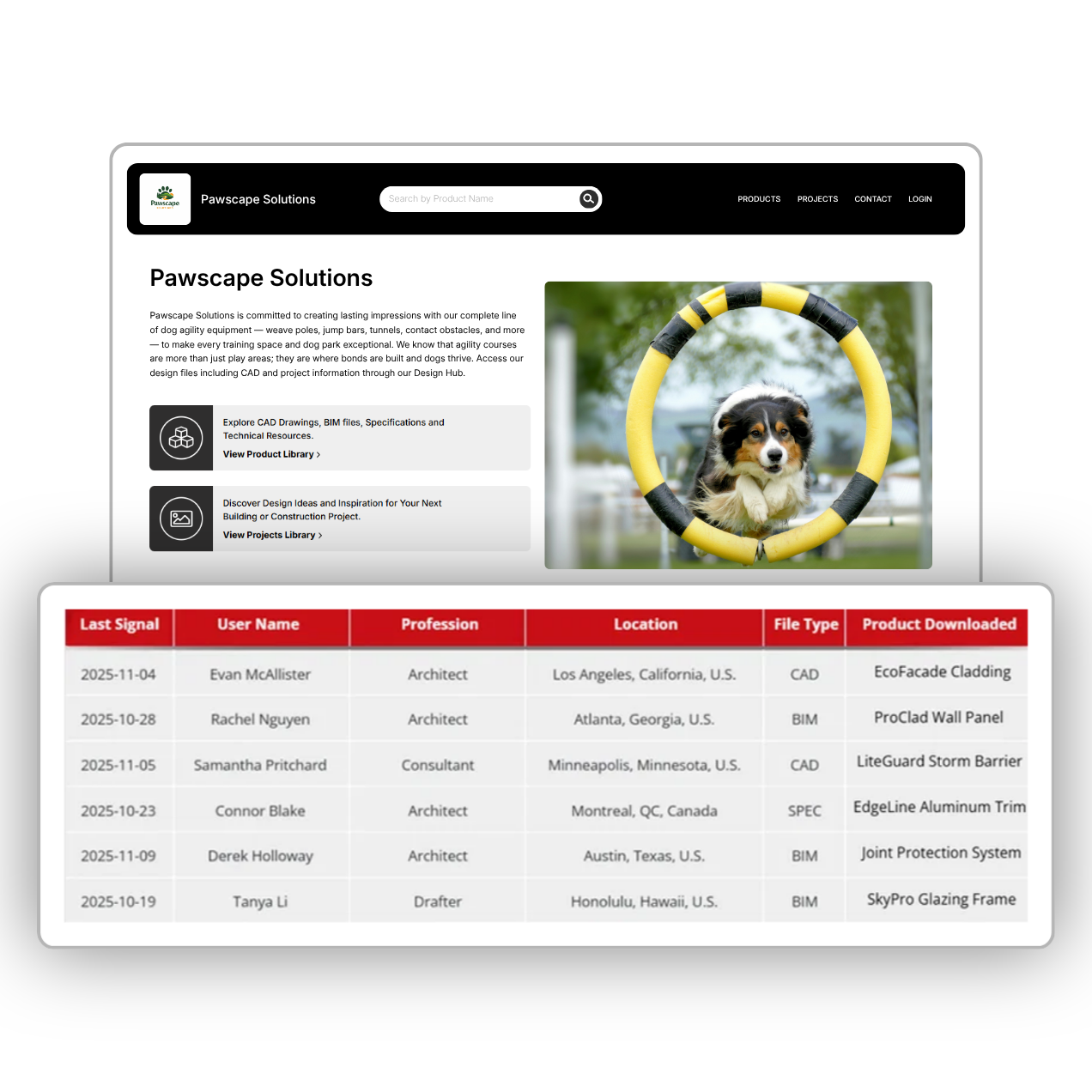
Access contact-level AEC insights and turn them into personalized outreach timed to hit exactly when it matters most.
We Take Care of Everything
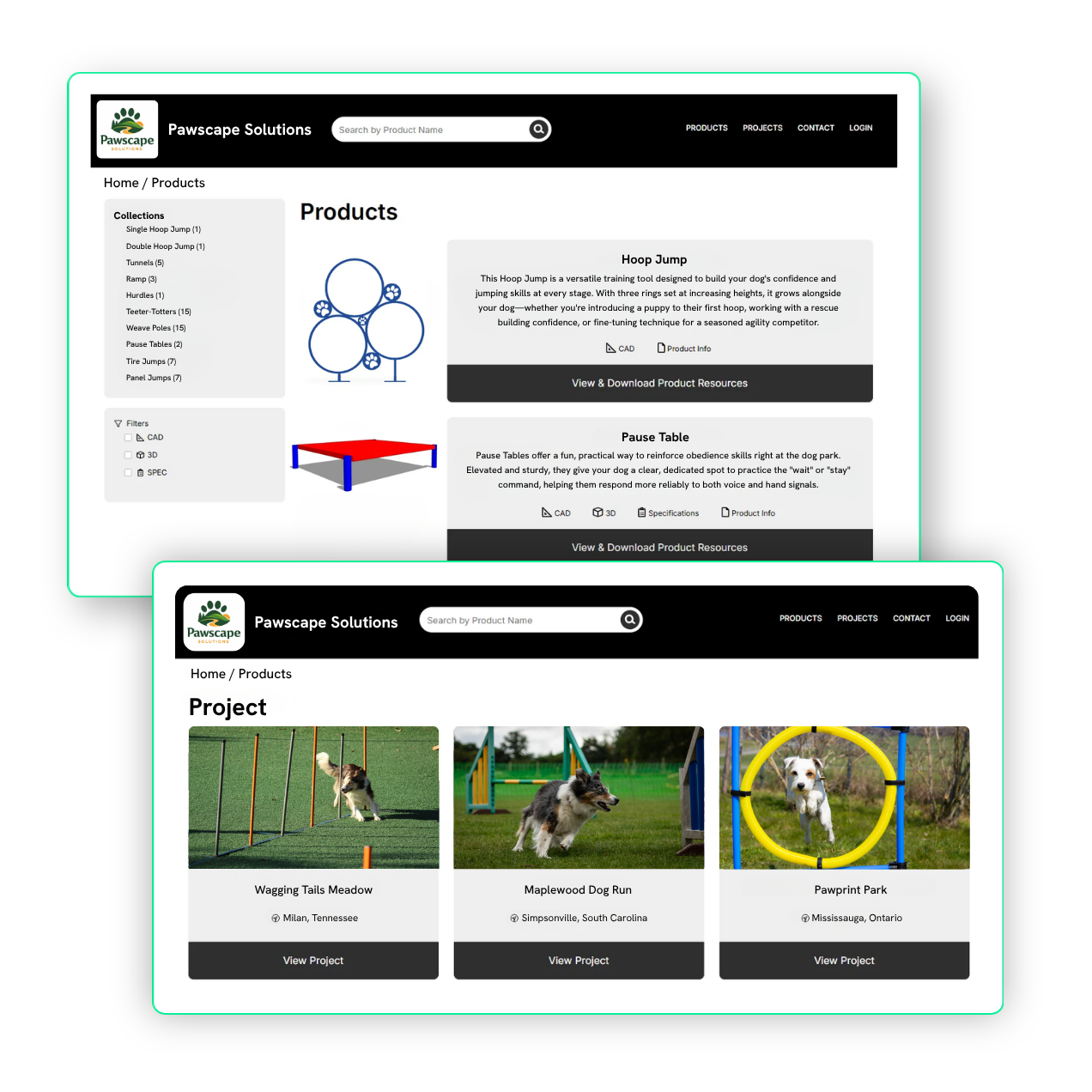
Get a modern, branded, AEC-ready site without stretching your internal resources. Our team handles everything from start to finish so your products are always current and ready to be specified.
FAQs
Follow the steps in this guide: How to Add Design Hub to Your Website.
For an example of an integrated Design Hub logo on a manufacturer’s website, take a look at the top banner of Shade Systems’ homepage.
The more traffic you drive to your Design Hub, the more leads you’ll generate. To maximize visibility, consider promoting your Design Hub in the following places:
- Your website
- Social media icons
- Email signatures
- Newsletter features
- Social posts
For best practices on how to promote your Design Hub through each of these channels, check out this blog.
With Design Hub, you gain powerful insights not only into which AEC firms are engaging with your content, but also which individual users are interacting. You can leverage this data to better understand specifier behavior, identify potential firms early in their product research, and nurture them throughout their purchasing journey with personalized, targeted outreach.
For the best results, we recommend following these guidelines:
Image Requirements:
- Product Image: 500x500px
- Landing Page Image: 4:3 aspect ratio
Company Description:
- Character Limit: 1000 words