

Project Showcase
Don't tell prospects what your products can do—show them.

Effortless to Build, Simple to Share
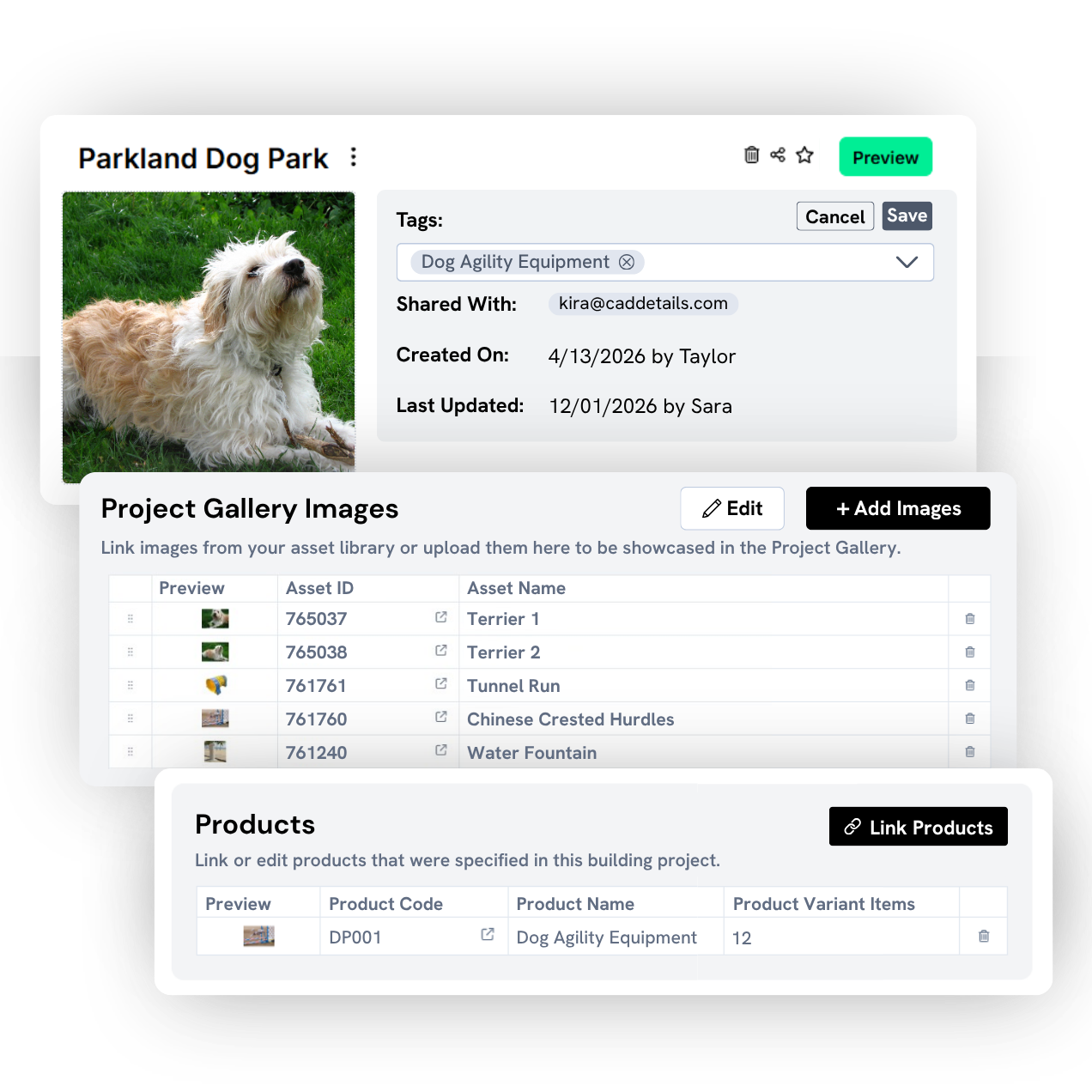
Bring your projects to life with flexible, polished layouts made for exploration and inspiration.
Choose clean card or table views, layer in striking cover images and galleries, and create a presentation-ready experience that feels as good as it looks.
Organize everything your way with tags, descriptions, and favorites, then share it out with AEC pros in just a few clicks.
From Project to Product
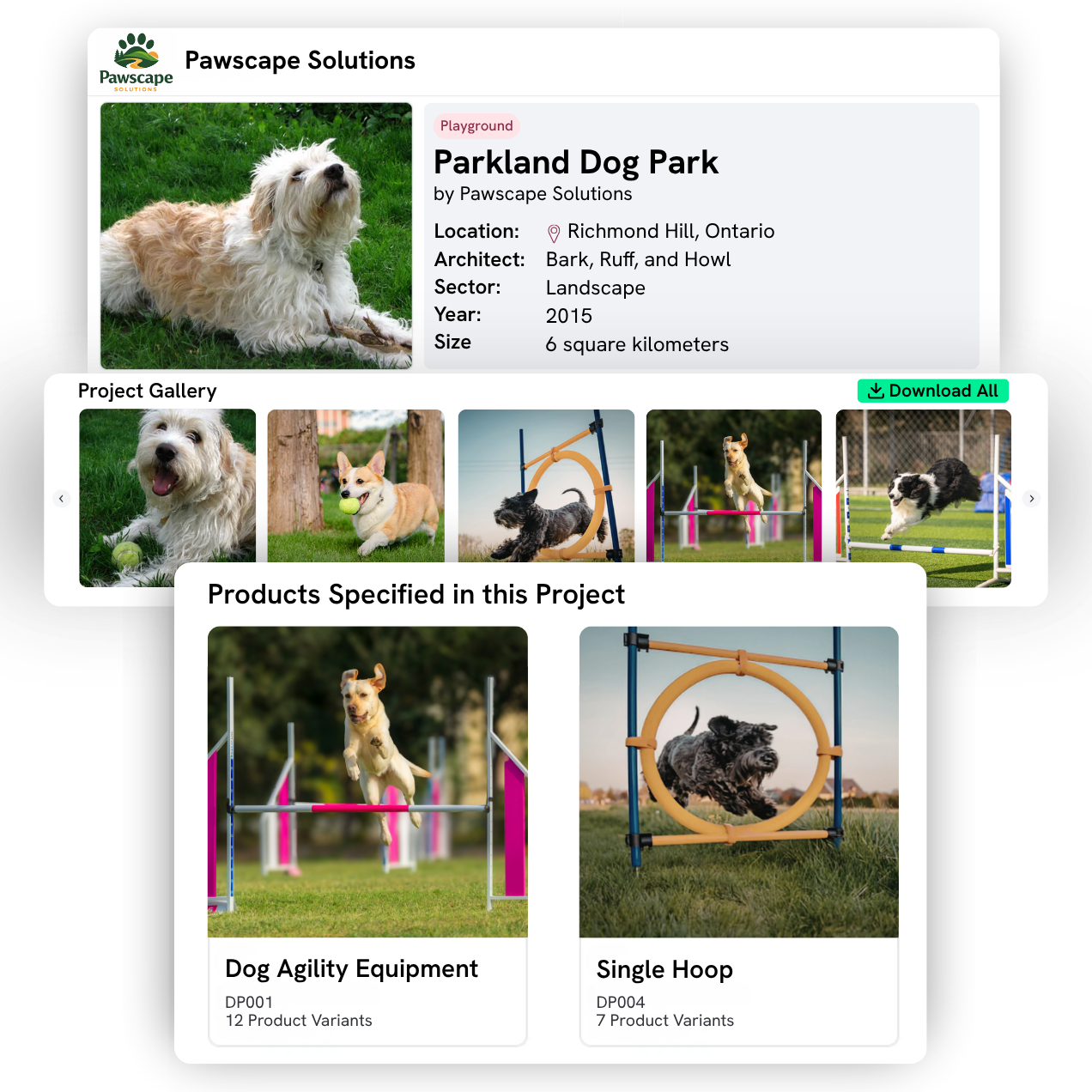
Make it easier for AEC pros to go from “this looks great” to “this is what I’ll specify" by linking directly to your design assets and marketing collateral in Prodify.
When someone is inspired by your project, they can instantly access the exact products behind it.
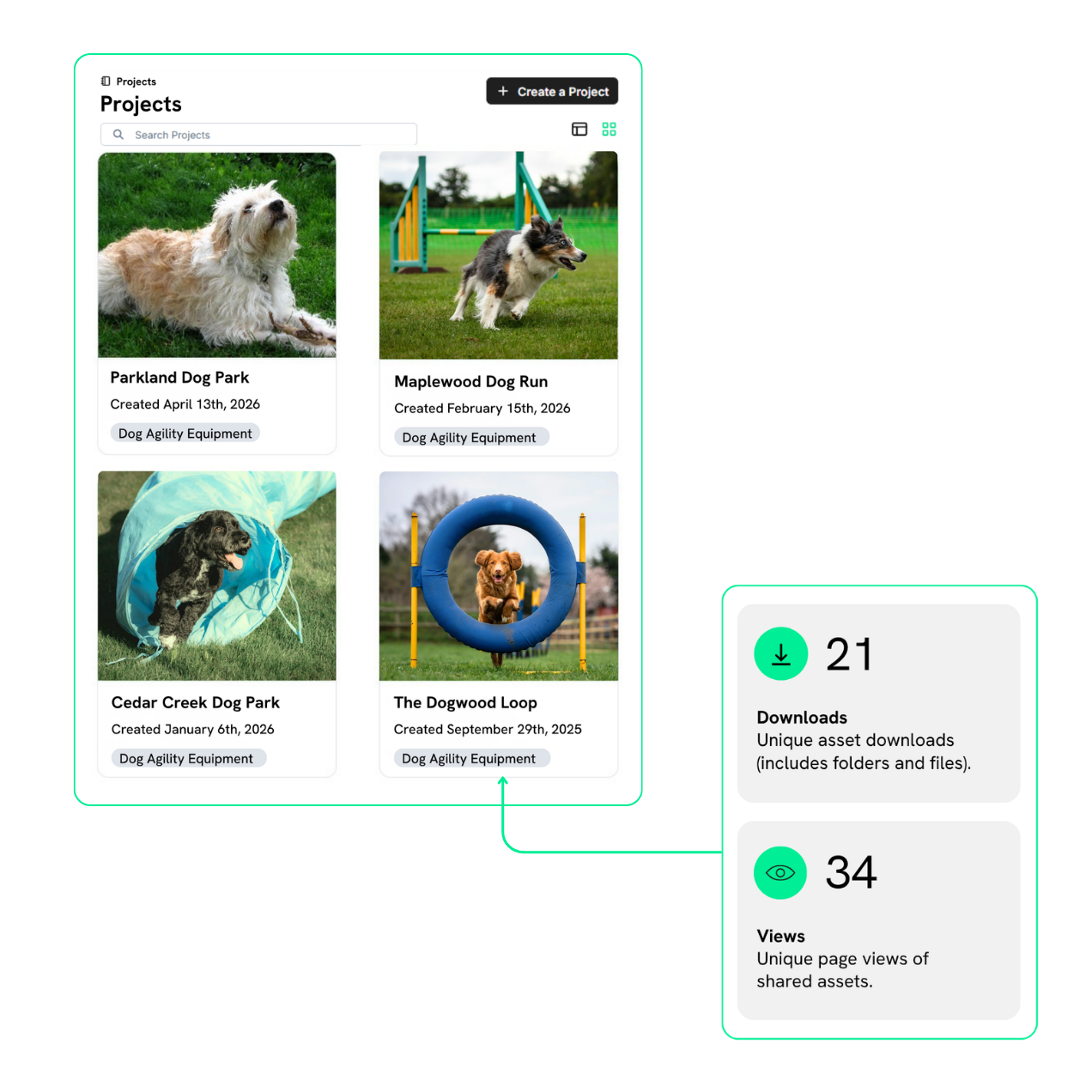
See Exactly What Resonates
Get clear visibility into how prospects interact with your projects, so you can move beyond guesswork and make smarter decisions.
You’ll be able to track:
How It Works
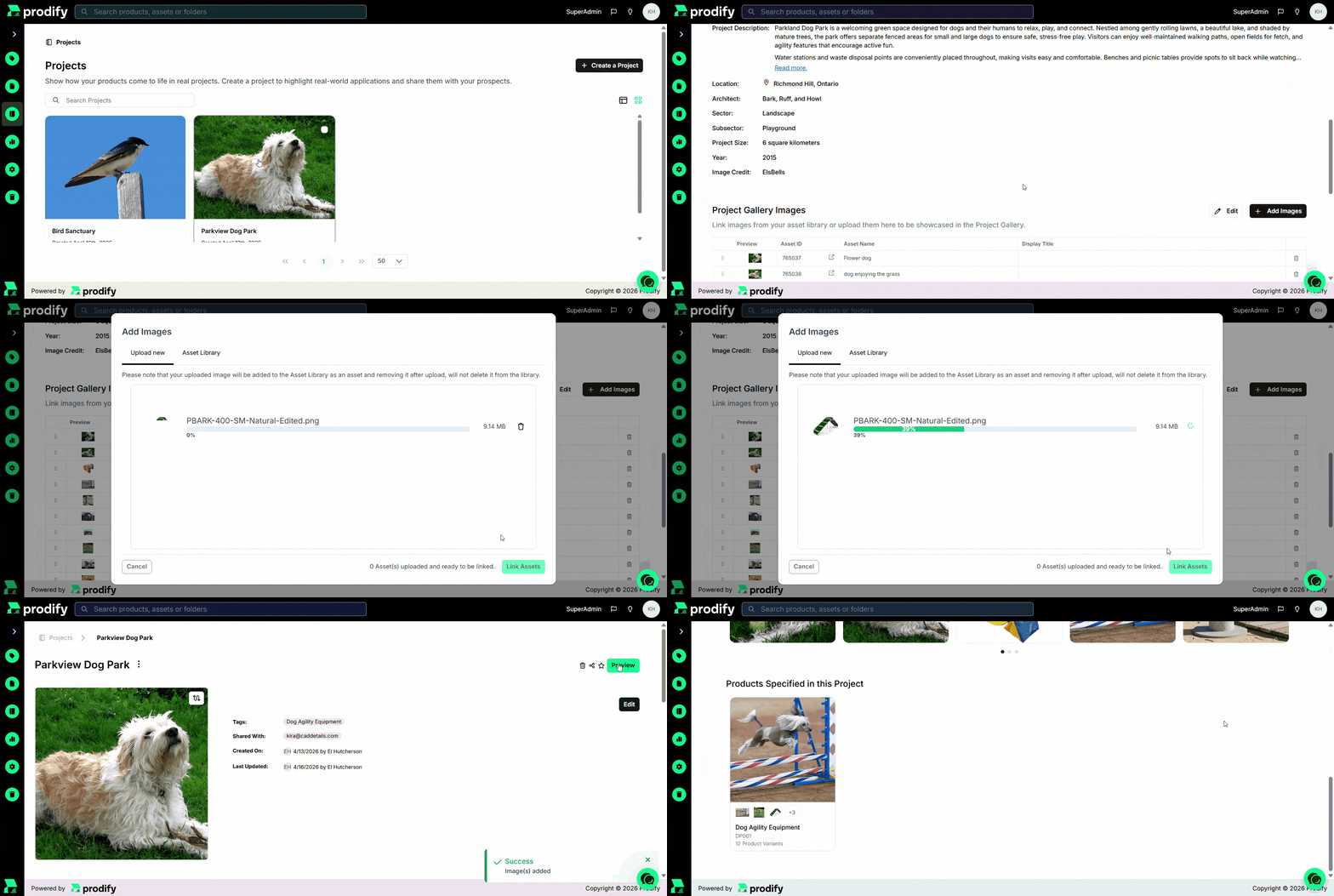
Create a project
Share with prospects
Track engagement
FAQs
You can build rich, visual experiences by adding:
- Cover images and image galleries
- Linked products from your catalog
- Descriptions and project details
- Tags and organizational elements
You can also group products into cohesive packages tied to a specific project.
As many as you want! There’s no limit to how many projects you can create.
Yes! You can switch between card or table views and add images and structured content to each Project to create a clean, engaging experience.
You can track how AEC professionals interact with your projects (from views and clicks to file downloads) so you can see what’s capturing attention and what’s driving real interest.
Not at all! Projects are designed to be intuitive and easy to build, so you can create and share polished, professional content without any technical setup.
Subscribe to the Prodify Pulse Newsletter for the latest Prodify updates, plus fresh insights on product management and marketing in the building industry. You can also visit our blog for product updates, helpful resources, and more.